Roblox Chat 2026: The New Age-Based Chat System Explained
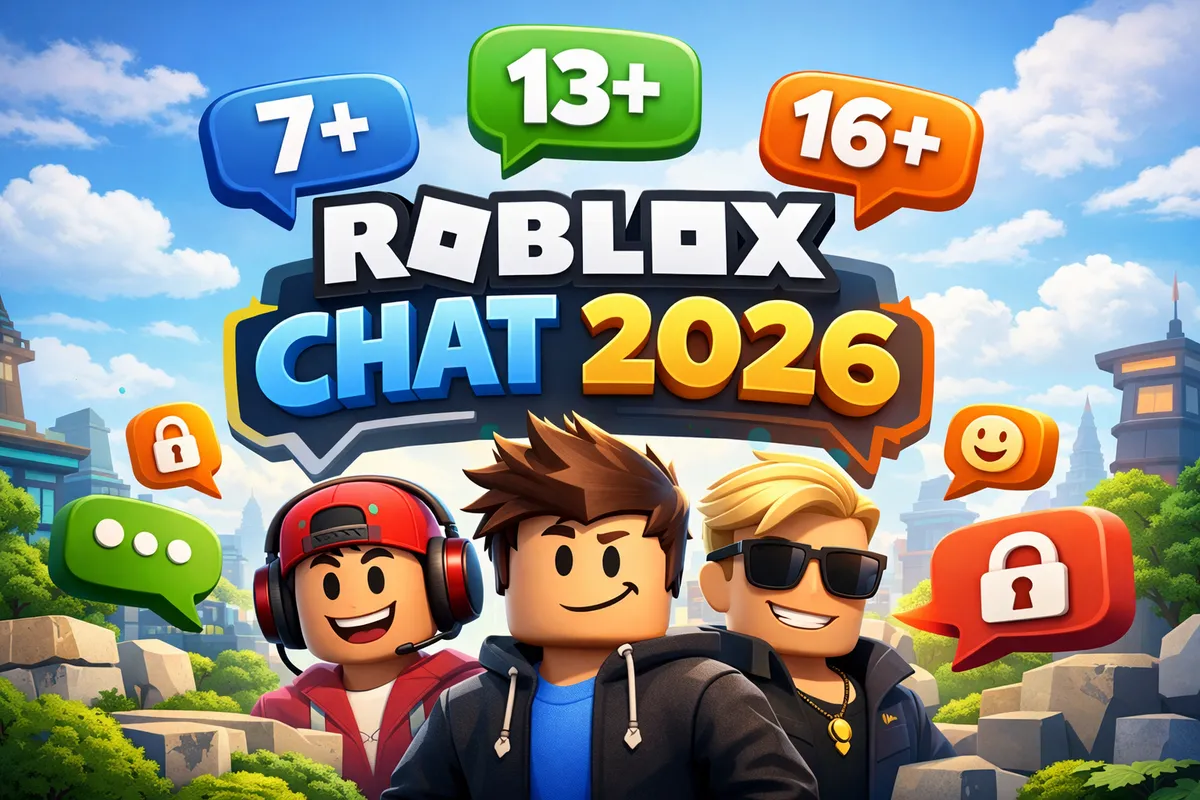
On January 7, 2026, Roblox introduced one of the biggest changes in its history: an age-based chat system that requires age verification for all users worldwide. Roblox is the first major gaming platform to take this step. But what does it actually mean for your child and your family? This guide explains everything you need to know.
What Changed?
Since January 7, 2026, all Roblox users must verify their age before they can use the chat function. Without verification, chat is locked. This applies to both new and existing accounts.
Key Facts
| Aspect | Details |
|---|---|
| Launch | January 7, 2026, worldwide |
| Applies to | All users — new and existing accounts |
| Verification | Photo selfie or government ID |
| Age groups | 6 tiers (Under 9 to 21+) |
| Without verification | No access to chat |
| Platform first | Roblox is the first major gaming platform with mandatory age verification |
On February 6, 2026, Roblox also published an “Age Check to Chat Fast-Follow Roadmap” with new API methods for developers, showing that the platform is actively expanding the system.
The Six Age Groups
The new system divides all users into six age groups. Each group has different chat permissions:
| Age Group | Chat Permissions | Notes |
|---|---|---|
| Under 9 | Heavily restricted — preset messages only | No free-text chat, maximum protection |
| 9–12 | Chat within own age group | No contact with users over 12 |
| 13–15 | Chat with users up to 17 | Extended but still limited communication |
| 16–17 | Chat with users 13 and up | Mostly open communication among minors |
| 18–20 | Chat with everyone 13 and up | Full chat with safety filters |
| 21+ | Chat with everyone 13 and up | Full chat with safety filters |
What Are “Trusted Connections”?
Users can mark certain other players as “Trusted Connections” — similar to a close friends list. Within these trusted connections, players can communicate across age group boundaries. This allows, for example:
- Siblings of different ages to chat with each other
- Close real-life friends to stay connected
- Parents to communicate with their children on the platform
Parents should regularly check who their child has added as a Trusted Connection.
How Does Age Verification Work?
Roblox offers two methods for age verification:
Method 1: Photo Selfie
- Roblox asks you to take a selfie
- An AI compares the photo against typical age markers
- Based on the analysis, an age group is assigned
- The photo is deleted after processing
Method 2: Government ID
- Upload a photo of a valid ID (driver’s license, passport)
- The date of birth is automatically read
- The exact age group is assigned
- The ID photo is deleted after processing
Privacy and Data Protection
| Question | Answer |
|---|---|
| Are photos stored? | No, they are deleted after processing |
| Is the exact age stored? | Only the age group is linked to the account |
| Who has access to the data? | Only the automated verification system |
| Can I revoke verification? | Contact Roblox Support |
| Is it GDPR/COPPA compliant? | Roblox states it complies with all applicable privacy regulations |
For parents of younger children: Age verification should ideally be done together, so you can guide the process and answer your child’s questions.
What This Means for Parents
Children Under 9
Your child has the highest level of protection. Free-text chat is completely locked — only preset, child-safe messages can be used. This significantly reduces the risk of inappropriate contact.
Children Ages 9 to 12
Your child can chat with other children in the same age group, but not with teenagers or adults. This means the main contact channel to potentially problematic users is closed.
Teens Ages 13 to 17
Your child has expanded chat options but still age-appropriate restrictions. 13–15-year-olds can only communicate with users up to 17, while 16–17-year-olds can chat with anyone 13 and up.
Checklist: What Parents Should Do Now
- Complete age verification together with your child
- Verify the assigned age group is correct
- Review your child’s Trusted Connections
- Talk to your child about the new chat rules
- Check safety settings in the account
- Enable PIN protection for settings changes
What This Means for Kids
Your Chat Still Works — Just Differently
If you play Roblox, you’ve probably noticed that chat works differently now. Don’t worry: you can still play and chat with your friends.
What You Need to Know
- You need to verify your age before you can chat. You can do this with a selfie or an ID
- You can chat with players in your age group — that means people who are roughly your age
- Trusted Connections are players you trust. You can chat with them even if they’re in a different age group
- Your friends are still your friends — you can keep playing together, even if chat between your age groups is limited
How to Verify Your Age
- Open Roblox and go to Settings
- Select “Age Verification”
- Take a selfie or upload an ID photo
- Done — your chat is unlocked
Tip: If you’re under 18, ask your parents to help you with the verification process.
Pros and Concerns
What Speaks for the New System
- Better protection for younger players — children under 9 can’t be messaged by strangers
- Age-appropriate communication — each group gets suitable chat options
- Reduced risk of cybergrooming and inappropriate contact
- Transparency — parents know which group their child is in
- Industry leadership — Roblox is setting the standard for the entire gaming industry
Valid Concerns
- Privacy — selfies and ID data, even if stored briefly, may concern some parents
- Wrong age group — AI-based age estimation isn’t perfect
- Workarounds — kids might try to use a parent’s ID for a higher age group
- Limited contact — friend groups with different ages get separated (except via Trusted Connections)
- Gaming experience — some players find the restrictions disruptive
What the Community Says
The Roblox community is divided. Many parents welcome the change as an overdue step for their children’s safety. Some players complain about the restrictions, especially when playing with friends of different ages. The Trusted Connections feature is designed to address this concern.
Frequently Asked Questions (FAQ)
Can my child still chat with friends?
Yes, your child can still chat with friends — as long as both have verified their age. Chat works without restrictions within the same age group. Friends in other age groups can be added as "Trusted Connections" to communicate across age boundaries.
What happens if my child doesn't verify their age?
Without age verification, chat on Roblox is completely locked. Your child can still play games but cannot send or receive messages. Verification has been mandatory for all users worldwide since January 7, 2026 in order to use the chat feature.
Is the age verification safe?
Roblox states that photos and ID data are only used for processing and deleted afterward. Only the assigned age group is stored, not the exact date of birth or images. Roblox assures compliance with applicable privacy regulations including GDPR in Europe and COPPA in the United States.
Can kids bypass the age verification?
The system is designed to make bypassing difficult. AI-based facial recognition can estimate approximate age from a selfie. In theory, children could try to use a parent's ID — this is why it's important to talk to your child about why the age groups exist for their protection.
My child was assigned the wrong age group — what should I do?
If the automatic age detection assigned the wrong group, you can repeat the verification with a government ID document. This provides a more accurate result than the selfie method. If the assignment is still incorrect, contact Roblox Support directly.
Conclusion
The age-based chat system is an important step for safety on Roblox — and a signal to the entire gaming industry. For the first time, a major platform systematically ensures that children can only communicate with age-appropriate contacts.
For parents, this means: more control and fewer worries. For kids, it means: a safer gaming experience that’s still fun.
Key Takeaways
- Age verification is mandatory — no verification, no chat
- 6 age groups protect against inappropriate contact
- Trusted Connections allow exceptions for real friends and family
- Privacy is maintained according to Roblox
- Parents should complete verification together with their child
This article is based on information available as of February 2026. Roblox is actively developing the system further.
Official source: Roblox Safety Center
Which Roblox Games Are Child-Friendly? The 10 Best Games for Kids 2026
The best child-friendly Roblox games at a glance: From Adopt Me! to Grow a Garden. Which games are safe for kids? A guide for parents and young players.
Roblox 2025 Recap: The Ultimate Update for Players and Parents
How big Roblox became in 2025, what changed around chat and safety, and why the creator economy matters more than ever for kids, teens, players, and parents.
Secure Your Roblox Account: The Best Protection Checklist for Players and Parents
Protect your Roblox account the right way: 2FA, PIN, privacy settings, phishing protection, and device security in a clear, step-by-step guide.
Cybergrooming on Roblox: How to Protect Your Child from Online Dangers
What is cybergrooming on Roblox? Learn how predators operate, recognize warning signs, and protect your child with practical tips and safety settings.
Which Roblox Games Are Child-Friendly? The 10 Best Games for Kids 2026
The best child-friendly Roblox games at a glance: From Adopt Me! to Grow a Garden. Which games are safe for kids? A guide for parents and young players.
Roblox 2025 Recap: The Ultimate Update for Players and Parents
How big Roblox became in 2025, what changed around chat and safety, and why the creator economy matters more than ever for kids, teens, players, and parents.
Roblox Version 711: What Changed (Explained Simply)
A clear, non-technical guide to Roblox Release 711: UI upgrades, avatar/creator updates, and what players and families may notice.
What Is Brainrot? Parent Guide to Roblox, Italian Brainrot, and German Brainrot
Simple parent guide: what brainrot means, key meme characters, language variants, and the most common brainrot themes in Roblox.
Roblox Version 710: What Changed (Explained Simply)
A simple guide to Roblox Release 710: key creator-facing changes, practical bug fixes, and what players and families may notice.
Roblox Version 709: What Changed (Explained Simply)
A simple guide to Roblox Release 709: what changed for creators, what players might notice, and why most updates are happening behind the scenes.

Roblox Version 708: Key Changes Explained for Families and Players
A clear guide to Roblox Release 708: what changed, what parents should know, and what kids and teens will actually notice while playing.
What Is Roblox Studio? A Quick Overview for Kids, Teens, and Parents
A compact introduction to Roblox Studio: what kids and teens can do with it, and what parents should know before they start.
Secure Your Roblox Account: The Best Protection Checklist for Players and Parents
Protect your Roblox account the right way: 2FA, PIN, privacy settings, phishing protection, and device security in a clear, step-by-step guide.
Cybergrooming on Roblox: How to Protect Your Child from Online Dangers
What is cybergrooming on Roblox? Learn how predators operate, recognize warning signs, and protect your child with practical tips and safety settings.
What is Roblox? The Complete Guide for Parents and Players 2026
Everything about Roblox: What is the platform, how does it work, is it safe for kids? The complete guide with tips for parents and players.