What is Roblox? The Complete Guide for Parents and Players 2026
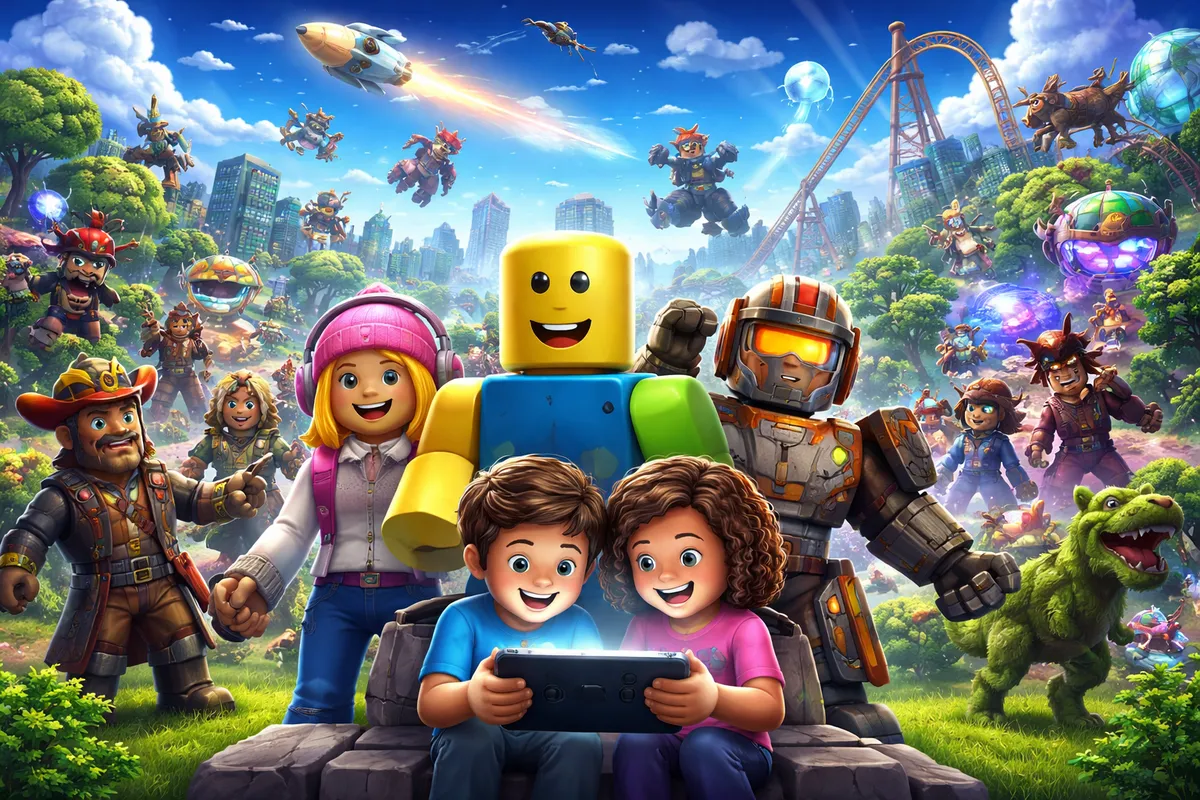
Roblox is everywhere - but what exactly is it? Whether you’re a parent trying to understand what your child is playing, or a gaming enthusiast wanting to dive deeper into the subject: This comprehensive guide explains everything you need to know about Roblox.
What is Roblox? - The Basics
Roblox is not a single game, but an online platform that hosts millions of games. Think of it like YouTube - but instead of videos, there are games. These games aren’t developed by Roblox itself, but by the community: Millions of developers worldwide create games that others can play.
Key Facts at a Glance
| Property | Details |
|---|---|
| Founded | 2004 (public launch 2006) |
| Founders | David Baszucki and Erik Cassel |
| Headquarters | San Mateo, California, USA |
| Active Users | Over 70 million daily (2024) |
| Available Games | Over 40 million |
| Age Rating | ESRB E10+ |
| Platforms | PC, Mac, iOS, Android, Xbox, PlayStation, Meta Quest |
| Cost | Free-to-Play |
What Makes Roblox Special?
Roblox fundamentally differs from traditional video games:
- User-Generated Content: All games are created by users
- Social Platform: Players can chat, find friends, and play together
- Creativity: Anyone can create their own games with Roblox Studio
- Variety: From simulations to role-playing games to obbys (obstacle courses) - there’s everything
- Cross-Platform: Players on different devices can play together
The History of Roblox
The Early Days (2004-2010)
Roblox’s history begins in 2004 when David Baszucki and Erik Cassel started development. Baszucki already had experience with interactive physics software through his previous company Knowledge Revolution.
- 2004: Development begins under the name “DynaBlocks”
- 2005: Renamed to “Roblox” (combination of “Robots” and “Blocks”)
- 2006: Public launch of the platform
- 2007: Introduction of virtual currency “Robux”
Growth Phase (2010-2019)
During this period, Roblox evolved from a niche product to one of the largest gaming platforms:
- 2012: Introduction of the iOS app
- 2014: Android version released
- 2015: Roblox reaches 1 million active creators
- 2016: Xbox One version launches
- 2017: VR support added
The Explosion (2020-Present)
The COVID-19 pandemic catapulted Roblox to new heights:
- 2020: Daily users double during the pandemic
- 2021: IPO with a valuation of $45 billion
- 2022: Over 50 million daily users
- 2023: PlayStation version and expanded VR features
- 2024: Roblox reaches over 70 million daily active users
How Does Roblox Work?
Getting Started
To use Roblox, you need:
- A free account: Register at roblox.com or in the app
- The Roblox app: Download for your device
- Internet connection: Roblox is an online platform
After signing up, you’ll land on the home page, which recommends games based on popularity, your interests, and friends’ activities.
The User Interface
The Roblox interface consists of several areas:
- Home: Game recommendations and news
- Discover: Browse and discover games
- Create: Access to Roblox Studio
- Avatar: Customize your character
- Inventory: Your collected items
- Friends: Friends list and chat
Finding and Playing Games
Roblox offers various ways to discover games:
- Search: Direct search by game name
- Categories: Sorted by genre (Action, Role-playing, Simulation, etc.)
- Charts: The most popular games on the platform
- Recommendations: Personalized suggestions based on your playing behavior
- Friends: See what friends are currently playing
Robux - The Virtual Currency
What are Robux?
Robux (R$) is Roblox’s virtual currency. With Robux you can:
- Buy avatar items: Clothing, accessories, animations
- Purchase Game Passes: Special benefits in certain games
- Unlock premium features: Exclusive content in games
How Do You Get Robux?
There are several ways to get Robux:
| Method | Details |
|---|---|
| Purchase with real money | Starting at about $5 for 400 Robux |
| Roblox Premium | Monthly Robux stipend |
| Develop games | Earnings from your own games |
| Sell items | Possible for Premium members |
| Gift cards | Available in retail and online |
Robux Prices (As of 2026)
| Amount | Price (approx.) |
|---|---|
| 400 Robux | $4.99 |
| 800 Robux | $9.99 |
| 1,700 Robux | $19.99 |
| 4,500 Robux | $49.99 |
| 10,000 Robux | $99.99 |
Tip for Parents: You can set spending limits in account settings or completely disable in-app purchases.
Roblox Studio - Create Your Own Games
What is Roblox Studio?
Roblox Studio is Roblox’s free development environment. Anyone - from beginner to pro - can create their own games with it.
Roblox Studio Features
- 3D Modeling: Create and edit objects
- Terrain Editor: Design landscapes
- Scripting with Lua: Programming game logic
- Asset Library: Thousands of free models and sounds
- Team Development: Work on projects together
- Monetization: Generate revenue from players
The Path to Becoming a Successful Roblox Developer
Many young people have achieved remarkable success with Roblox games:
- Learn: Study tutorials and documentation
- Experiment: Implement small projects
- Community: Learn from other developers
- Publish: Make games available to the public
- Iterate: Improve based on feedback
Some top developers earn millions of dollars annually with their Roblox games!
The Most Popular Roblox Games
Adopt Me!
The most played Roblox game of all time:
- Genre: Pet simulation
- Players: Over 30 billion visits
- Concept: Adopt, raise, and trade pets
- For whom: Especially popular with younger players
Brookhaven
A role-playing phenomenon:
- Genre: Role-playing/Life simulation
- Players: Over 35 billion visits
- Concept: Simulate life in a city
- For whom: All age groups
Tower of Hell
The ultimate parkour test:
- Genre: Obby/Obstacle course
- Players: Over 20 billion visits
- Concept: Climb towers without checkpoints
- For whom: Players seeking challenges
Blox Fruits
Action and adventure:
- Genre: Action-RPG
- Players: Over 40 billion visits
- Concept: Anime-inspired combat game with fruit powers
- For whom: Fans of anime and action
Murder Mystery 2
Suspense and strategy:
- Genre: Detective/Horror
- Players: Over 5 billion visits
- Concept: Find the murderer or remain undetected
- For whom: Older players (mild scares)
Roblox for Parents: Safety and Controls
Is Roblox really Safe for Kids?
This question concerns many parents. The honest answer: It depends.
Positive Aspects:
- Comprehensive moderation systems
- Customizable parental controls
- Educational potential through creative play
- Social interaction with friends
Potential Risks:
- Contact with strangers possible
- Not all games are child-appropriate
- Possible peer pressure for purchases
- Addiction potential with excessive play
Setting Up Parental Controls
Roblox offers extensive Parental Controls:
Account Restrictions
- Account Restrictions: Limited to curated content
- Age Settings: Filter content based on age
- Contact Restrictions: Who can send messages?
Communication Settings
| Setting | Options |
|---|---|
| Chat | On/Off/Friends Only |
| Messages | On/Off/Friends Only |
| Game Joining | Everyone/Friends/No One |
Spending Control
- PIN Protection: For settings changes
- Monthly Limits: Set maximum Robux spending
- Purchase Notifications: Email on purchases
Tips for Parents
- Play together: Get to know the platform yourself
- Open communication: Talk about online safety
- Set rules: Limit screen time and spending
- Check friends list: Who are the online friends?
- Age-appropriate games: Choose suitable games together
Age Recommendations by Game Category
| Category | Age Recommendation | Examples |
|---|---|---|
| Pet/Simulation | Ages 6+ | Adopt Me!, Pet Simulator |
| Role-playing | Ages 8+ | Brookhaven, Bloxburg |
| Action/Combat | Ages 10+ | Blox Fruits, Arsenal |
| Horror/Scary | Ages 12+ | Doors, The Mimic |
Roblox on Different Devices
PC and Mac
The most complete experience:
- Advantages: Best graphics, access to Roblox Studio, keyboard/mouse controls
- Requirements: Windows 10/11 or macOS 10.13+, 4 GB RAM, DirectX 10 graphics card
Mobile (iOS and Android)
The most flexible option:
- Advantages: Play anywhere, touch controls, free
- Requirements: iOS 12+ or Android 5.0+, 1 GB RAM
Consoles (Xbox and PlayStation)
Gaming from the couch:
- Advantages: Controller controls, large screen
- Limitations: No Roblox Studio, some games not available
VR (Meta Quest)
The immersive experience:
- Advantages: Unique gaming feel, growing VR game selection
- Requirements: Meta Quest 2 or newer
Roblox Premium
What Does Roblox Premium Offer?
Roblox Premium is the optional subscription model:
| Tier | Price/Month | Robux/Month | Benefits |
|---|---|---|---|
| 450 | $5.49 | 450 | Basic benefits |
| 1000 | $10.99 | 1,000 | + Trading permissions |
| 2200 | $21.99 | 2,200 | + Maximum benefits |
Premium Benefits in Detail
- Monthly Robux: Automatically credited
- 10% Bonus: On additional Robux purchases
- Exclusive Items: Only for Premium members
- Trading: Exchange items with others
- Selling: Offer your own items in the marketplace
- Premium Payouts: Higher earnings as a developer
The Roblox Economy
Developer Earnings
Roblox allows developers to earn real money:
- Game Revenue: Share of Robux spent in your game
- Item Sales: Game Passes and Developer Products
- Premium Payouts: Based on playtime from Premium members
- Immersive Ads: Advertising revenue in games
DevEx (Developer Exchange)
With DevEx, developers can convert Robux to real money:
- Minimum Requirement: 30,000 Robux
- Exchange Rate: Approx. $0.0035 per Robux
- Prerequisite: Roblox Premium and good account standing
Success Stories
Some developers and studios earn millions:
- Adopt Me! (Uplift Games): Estimated annual revenue over $50M
- Jailbreak (Badimo): Several million dollars annually
- Brookhaven (Wolfpaq): One of the most profitable games
Roblox and Education
Roblox Education
Roblox is engaged in education:
- Roblox Education: Free learning resources
- Coding Courses: Learn Lua programming
- STEM Promotion: Science, Technology, Engineering, Mathematics
- Creativity: Design and 3D modeling
Learning Potential for Kids
Through Roblox, children can learn:
- Programming: Fundamentals of software development
- Problem-solving: Train logical thinking
- Economics: Understand supply and demand
- Teamwork: Collaborative projects
- Creativity: Implement their own ideas
Criticism and Controversies
Known Criticisms
Roblox also faces criticism:
- Child Labor Allegations: Are young developers being exploited?
- Moderation: Not all inappropriate content is filtered
- Addiction Potential: Especially for younger players
- Spending Pressure: In-game purchases can add up
- Privacy: Concerns about children’s data
Roblox’s Responses
The company has taken various measures:
- Improved AI moderation
- Stricter age verification
- More transparency in parental controls
- Educational initiatives
- Partnerships with child protection organizations
Frequently Asked Questions (FAQ)
Is Roblox free?
Yes, Roblox is fundamentally free to play. You can create an account and play most games without payment. Optional purchases with virtual currency Robux enable cosmetic items, Game Passes, or Premium memberships, but aren't necessary to have fun.
What age is Roblox appropriate for?
Roblox has an ESRB rating of E10+ (Everyone 10+). However, suitability depends heavily on the specific game. For younger children (6-9 years), we recommend games like Adopt Me! or MeepCity under parental supervision. Older children can play more independently, though parents should review communication settings.
Is Roblox safe for children?
Roblox offers comprehensive safety features including chat filters, parental controls, and moderation systems. Safety depends on how these features are used. We recommend: Activate parental controls, talk to your child about online safety, and occasionally play together to understand their activities.
What are Robux and how do you get them?
Robux is Roblox's virtual currency. You can buy Robux (starting at about $5 for 400 Robux), receive them through Roblox Premium (monthly stipend), earn them as a developer (revenue from your own games), or acquire them via gift cards. There's no official way to get free Robux - beware of scam sites!
Can you make money with Roblox?
Yes, developers can earn real money with Roblox. Through the DevEx program (Developer Exchange), earned Robux can be exchanged for dollars. Successful games like Adopt Me! or Jailbreak generate millions in revenue. However, getting started requires time, willingness to learn, and creative ideas.
What's the difference between Roblox and Minecraft?
Although both have a blocky aesthetic, they're fundamentally different. Minecraft is a single game focused on building and survival. Roblox is a platform with millions of different games. With Minecraft you buy the game once, Roblox is free with optional purchases. Both encourage creativity, but in different ways.
How do I set up parental controls on Roblox?
Log into your child's Roblox account and go to Settings > Privacy. There you can adjust contact settings, restrict chat, and enable account restrictions. Under Settings > Security, you can set up a PIN required for changes. Additionally, under Settings > Billing, you can set spending limits.
What devices can you play Roblox on?
Roblox is available on many platforms: Windows PC, Mac, iOS (iPhone/iPad), Android smartphones and tablets, Xbox One/Series X|S, PlayStation 4/5, and Meta Quest VR headsets. Best of all: Your account and progress are synced across all devices, and you can play with players on other platforms (cross-play).
What is Roblox Studio?
Roblox Studio is the free software for creating Roblox games. It's only available for PC and Mac. With Studio, you can build 3D worlds, program game mechanics (using the Lua programming language), and publish your games. Roblox offers free tutorials for beginners, and there's an active community to help with learning.
Is there an offline mode for Roblox?
No, Roblox is a purely online platform and requires an internet connection to play. All games are hosted on Roblox servers. The only area that works offline is Roblox Studio - there you can work on games and upload them later when you're back online.
Conclusion: Who is Roblox For?
Roblox is a unique platform that combines gaming, social interaction, and creativity. It offers countless possibilities - from simple gaming fun to professional game development.
For Kids and Teens
Roblox can be an enriching experience when:
- Parents accompany activities
- Safety settings are adjusted
- A healthy amount of screen time is maintained
- The creative potential (Roblox Studio) is utilized
For Parents
Roblox doesn’t have to be a worry if you:
- Get to know the platform yourself
- Set up parental controls
- Communicate openly with your child
- Plan shared gaming time
For Gaming Enthusiasts
Roblox offers:
- Endless game variety
- An active creator community
- Opportunities for game development
- Potential for real earnings
Whether you view Roblox as a player, parent, or aspiring developer - the platform has something for everyone. The key is to use it consciously and informed.
This article is regularly updated to reflect the latest developments around Roblox. Last update: January 2026
More helpful articles:
- Roblox for Beginners: The Ultimate Starter Guide
- Best Roblox Games for Kids
- Roblox Safety: The Complete Parent’s Guide

Roblox Name Generator: How to Find the Perfect Username
Free Roblox name generator with the best name ideas for boys & girls. Creative, funny, cute, and cool Roblox name ideas – find your perfect username!

Adopt Me! Roblox: The Ultimate Guide to the Most Popular Roblox Game 2026
Everything about Adopt Me! in Roblox: How does the game work, what pets are there, is it safe for kids? The complete guide for parents and players.
Roblox for Beginners: The Ultimate Starter Guide 2026
New to Roblox? Our guide explains everything you need to know as a beginner - from signing up to your first games.
Which Roblox Games Are Child-Friendly? The 10 Best Games for Kids 2026
The best child-friendly Roblox games at a glance: From Adopt Me! to Grow a Garden. Which games are safe for kids? A guide for parents and young players.
Roblox 2025 Recap: The Ultimate Update for Players and Parents
How big Roblox became in 2025, what changed around chat and safety, and why the creator economy matters more than ever for kids, teens, players, and parents.
Roblox Version 711: What Changed (Explained Simply)
A clear, non-technical guide to Roblox Release 711: UI upgrades, avatar/creator updates, and what players and families may notice.
What Is Brainrot? Parent Guide to Roblox, Italian Brainrot, and German Brainrot
Simple parent guide: what brainrot means, key meme characters, language variants, and the most common brainrot themes in Roblox.
Roblox Version 710: What Changed (Explained Simply)
A simple guide to Roblox Release 710: key creator-facing changes, practical bug fixes, and what players and families may notice.
Roblox Version 709: What Changed (Explained Simply)
A simple guide to Roblox Release 709: what changed for creators, what players might notice, and why most updates are happening behind the scenes.
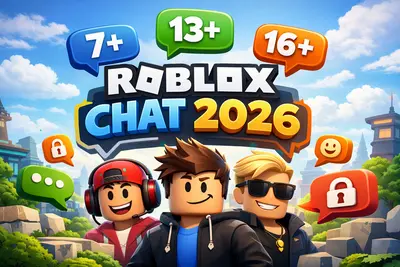
Roblox Chat 2026: The New Age-Based Chat System Explained
Since January 2026, all Roblox users must verify their age to use chat. Learn how the new system works and what it means for your child.

Roblox Version 708: Key Changes Explained for Families and Players
A clear guide to Roblox Release 708: what changed, what parents should know, and what kids and teens will actually notice while playing.
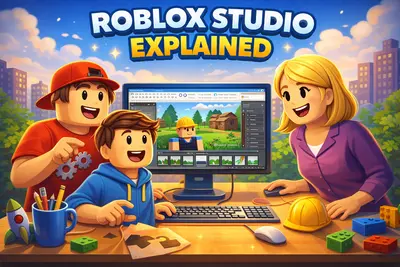
What Is Roblox Studio? A Quick Overview for Kids, Teens, and Parents
A compact introduction to Roblox Studio: what kids and teens can do with it, and what parents should know before they start.
Secure Your Roblox Account: The Best Protection Checklist for Players and Parents
Protect your Roblox account the right way: 2FA, PIN, privacy settings, phishing protection, and device security in a clear, step-by-step guide.
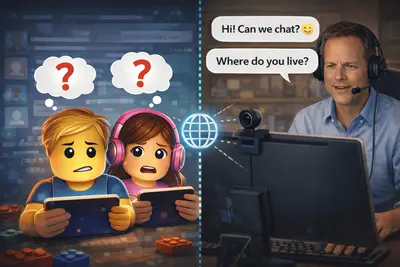
Cybergrooming on Roblox: How to Protect Your Child from Online Dangers
What is cybergrooming on Roblox? Learn how predators operate, recognize warning signs, and protect your child with practical tips and safety settings.